
 Eesti
 Suomi
 Русский

ANDREAM · CarPlay / Android Auto
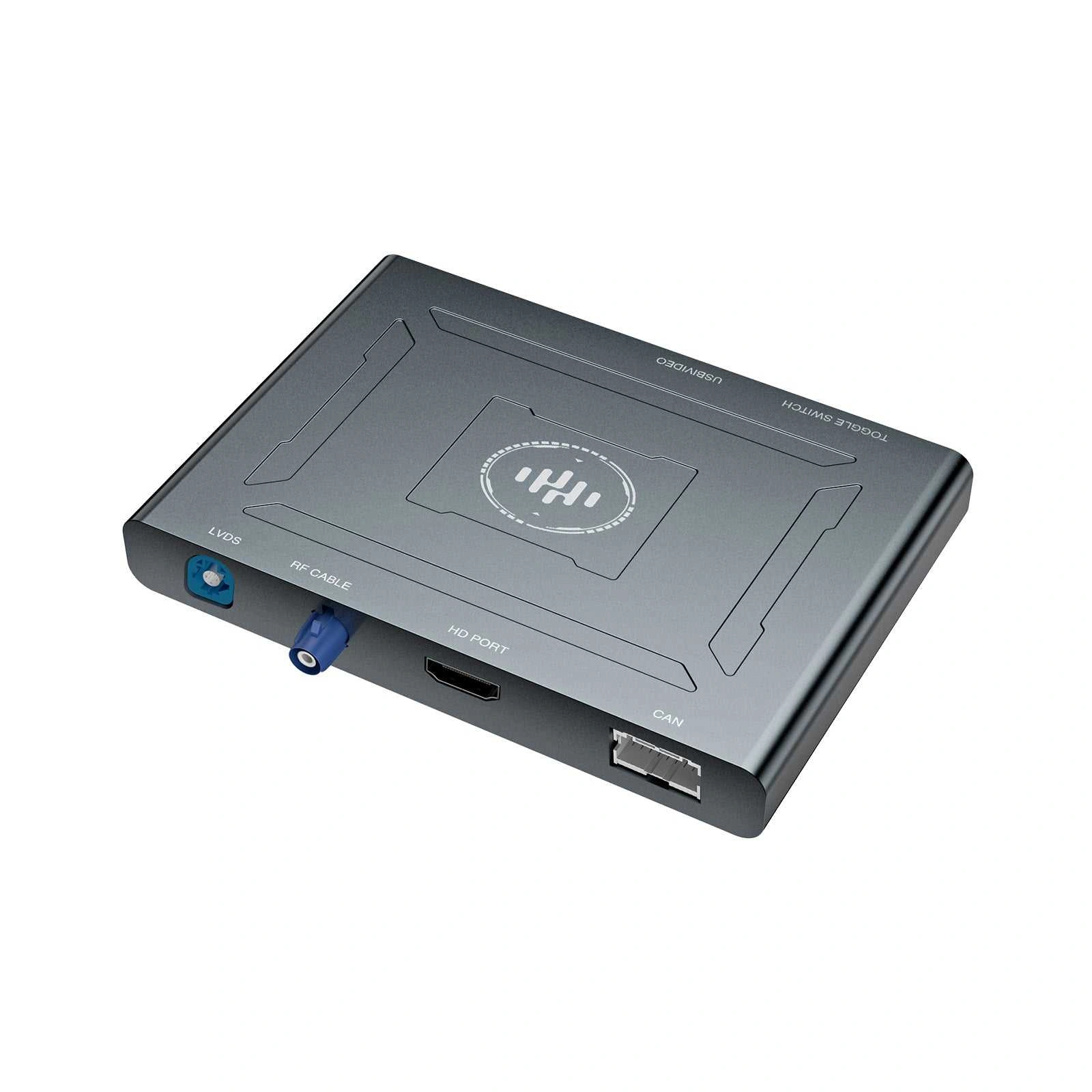
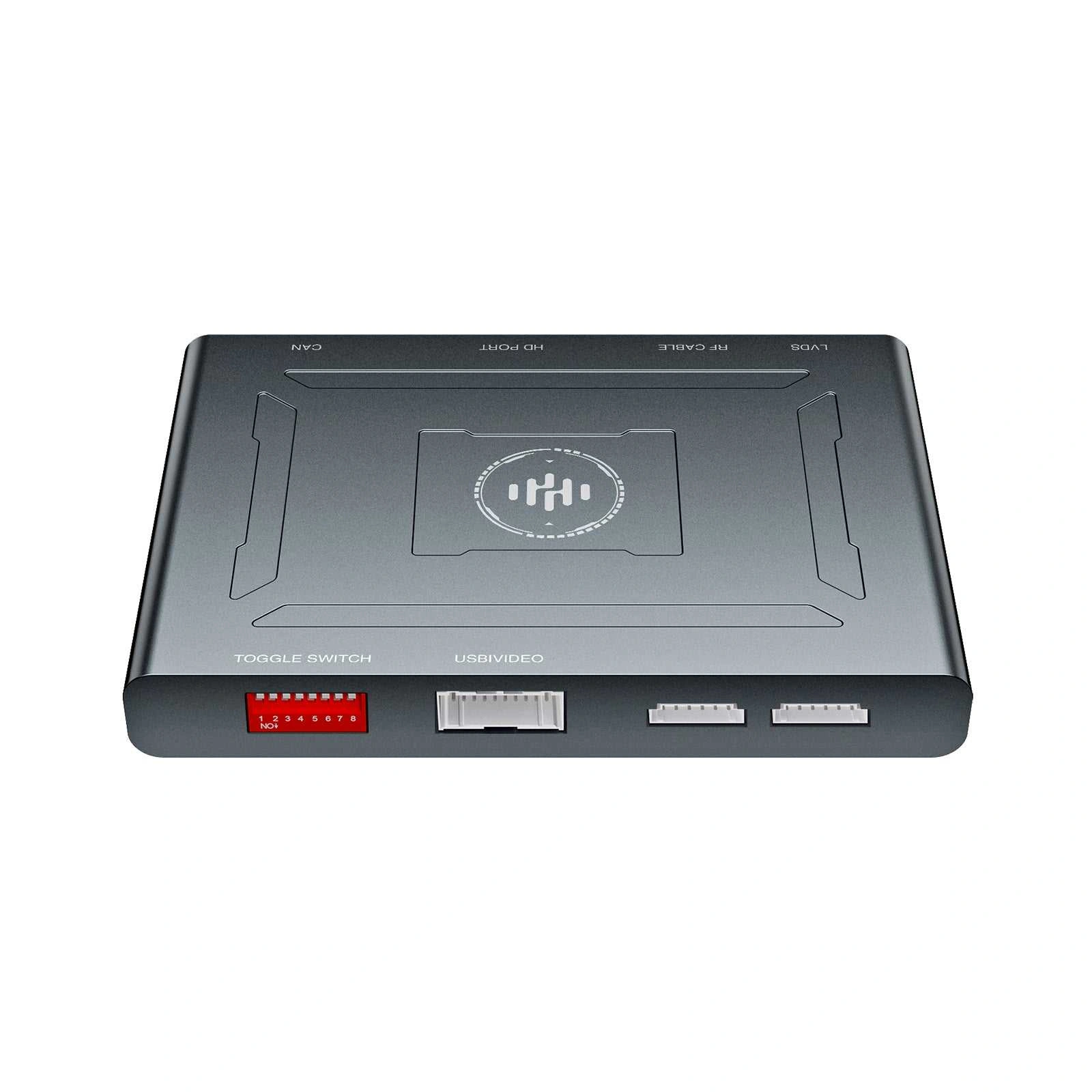
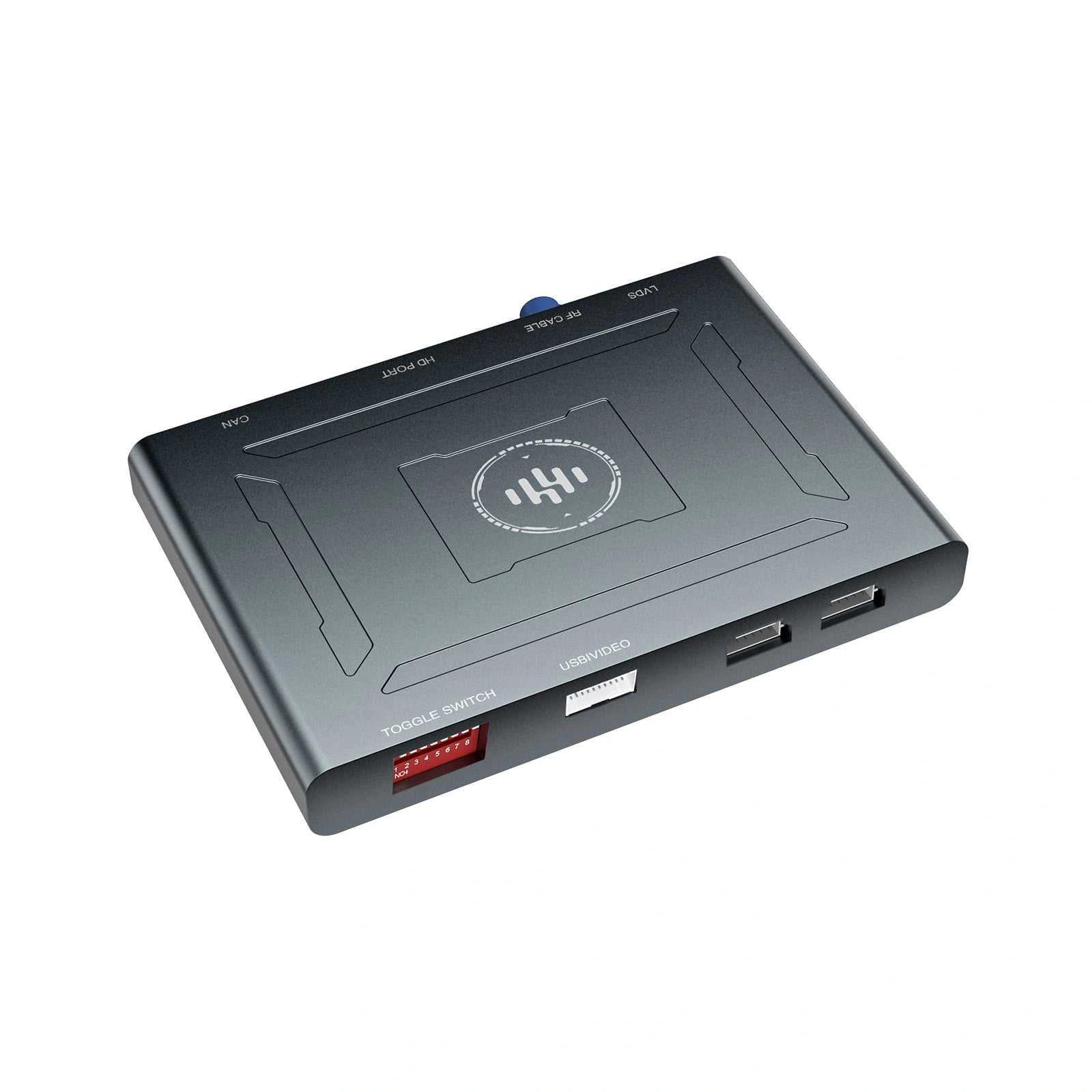
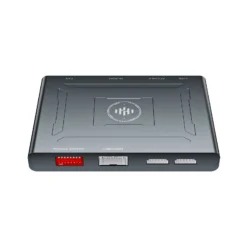
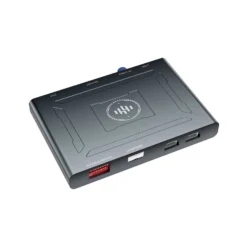
Andream CarPlay and Android Auto MMI module – Mercedes-Benz NTG4.5 / NTG5.0 · EWX
Keep the factory system you know and bring your everyday phone apps onto the car’s screen. The Andream MMI box adds an Apple CarPlay and Android Auto interface while retaining the original radio, display and factory-system menus. Use the supported vehicle control to switch between the original menu and the CarPlay / Android Auto view.
Familiar phone apps, conveniently on your car’s screen
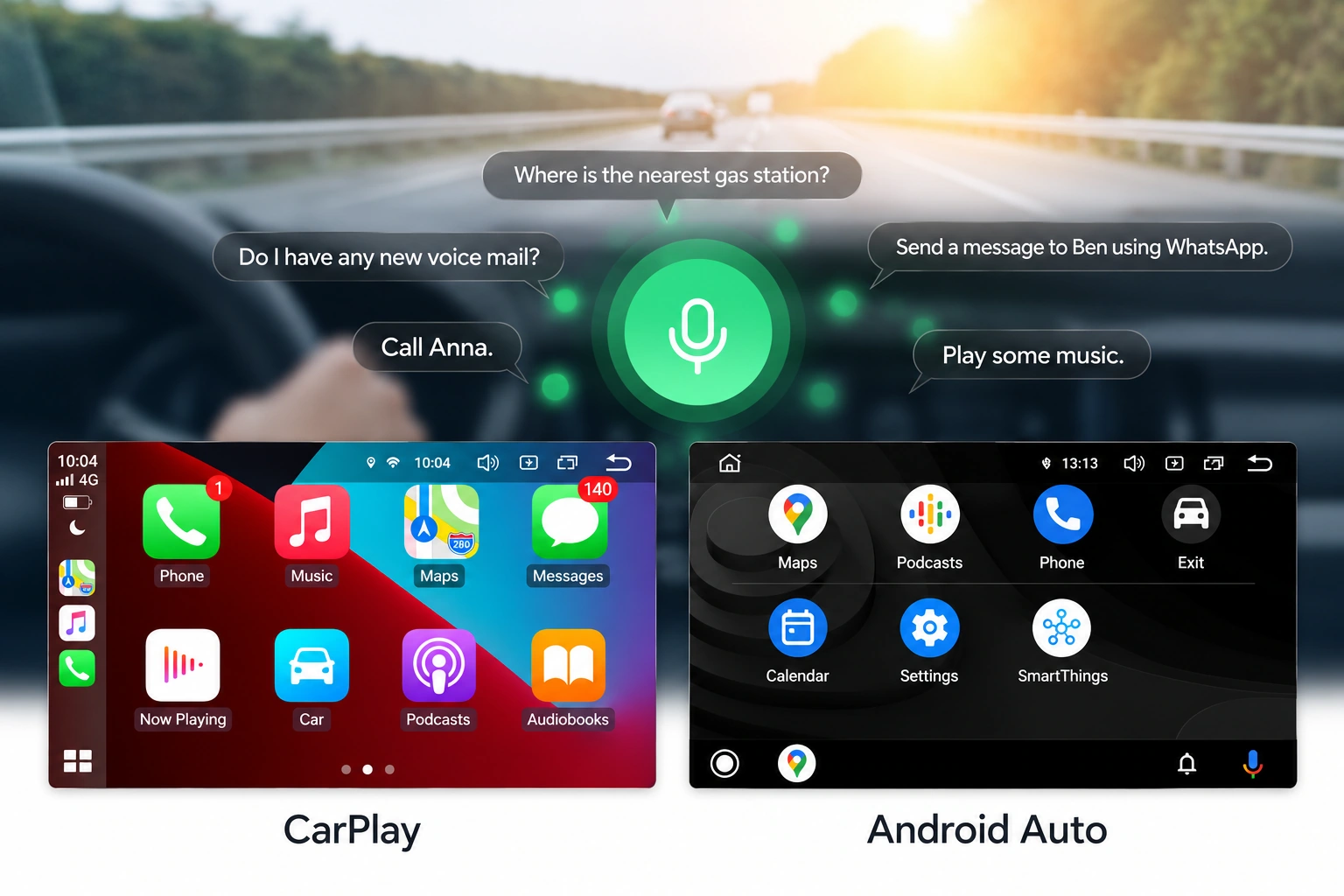
Compatible communication, music and navigation apps run on your phone when you use CarPlay or Android Auto. Their driving-friendly interface appears on the car’s original screen. Once connected, your favourite music, navigation and calls are within easy reach – there is no need to install the same apps separately on the box. Use the supported vehicle buttons, touchscreen or voice controls, depending on the system.
Connect a compatible iPhone or Android phone for the first time and approve the necessary connection permissions on the phone. When using a wireless connection, leave Bluetooth and Wi-Fi enabled and allow automatic connection: on subsequent journeys, the connection will generally resume automatically without plugging in a cable or repeating the setup. There is no need to take your phone out of your pocket every time.
Wireless CarPlay requires a compatible iPhone. Wired or wireless Android Auto depends on the specific module version and phone; in wired mode, connect the phone using a USB cable.
Use apps such as Waze, Google Maps or Spotify when the app supports CarPlay or Android Auto on your phone. Features depend on the phone, app, settings and vehicle controls. CarPlay and Android Auto do not display every phone app; the illustrated views may differ from the actual interface.
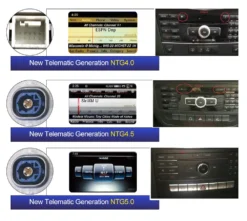
Factory-system and dashboard reference
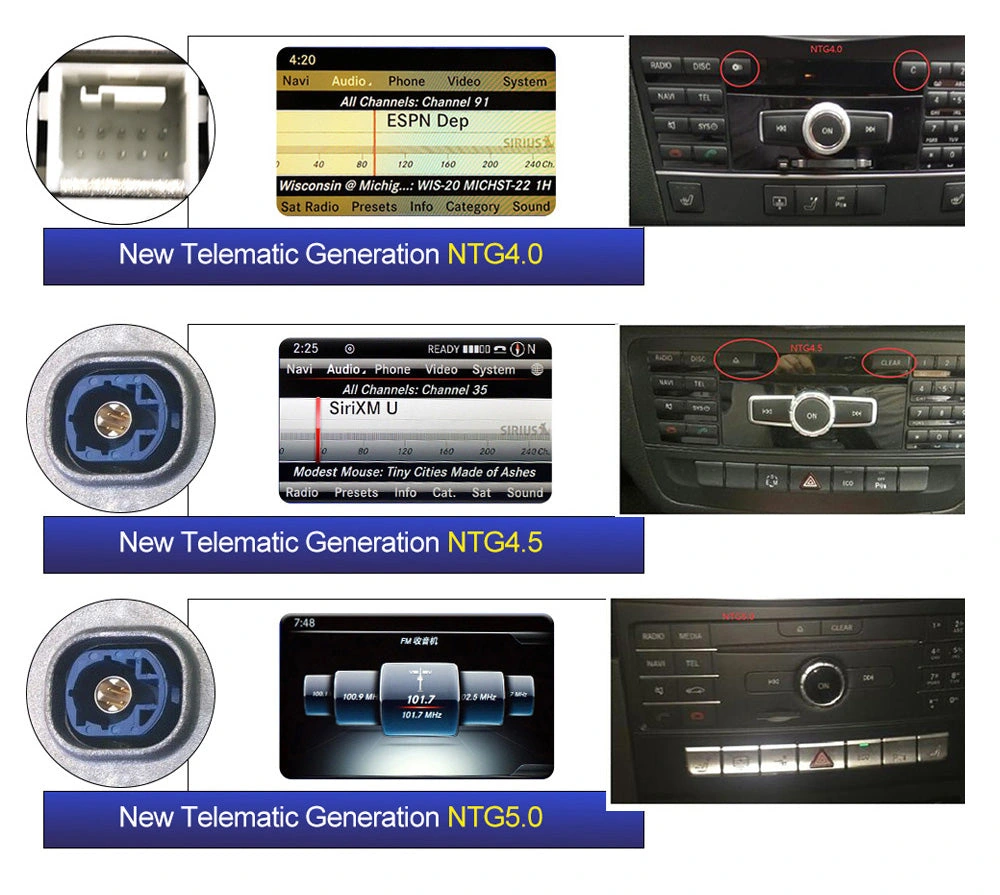
The year alone does not establish compatibility. Compare the factory screen, radio menu, controls and connectors. Before ordering, send us the vehicle model, year and a photo of the working factory system.
Vehicle and factory-system compatibility
| Vehicle model | Years | Factory system |
|---|---|---|
| Mercedes-Benz A W176 | 2013–2015 | NTG4.5 / 4.7 |
| Mercedes-Benz B W246 | 2013–2015 | NTG4.5 / 4.7 |
| Mercedes-Benz C W204 | 2011–2014 | NTG4.5 / 4.7 |
| Mercedes-Benz CLA C117 / W117 | 2013–2015 | NTG4.5 / 4.7 |
| Mercedes-Benz CLS W218 | 2013–2015 | NTG4.5 / 4.7 |
| Mercedes-Benz E W212 / C207 / A207 | 2012–2015 | NTG4.5 / 4.7 |
| Mercedes-Benz G W463 | 2012–2015 | NTG4.5 / 4.7 |
| Mercedes-Benz GLA X156 | 2013–2015 | NTG4.5 / 4.7 |
| Mercedes-Benz GLK | 2013–2015 | NTG4.5 / 4.7 |
| Mercedes-Benz ML / GL | 2012–2015 | NTG4.5 / 4.7 |
| Mercedes-Benz SLK R172 | 2011–2015 | NTG4.5 / 4.7 |
| Mercedes-Benz A W176 / B W246 | 2016–2018 | NTG5.0 / 5.1 |
| Mercedes-Benz C W205 | 2015–2018 | NTG5.0 / 5.1 |
| Mercedes-Benz CLA | 2016–2018 | NTG5.0 / 5.1 |
| Mercedes-Benz CLS W218 | 2015–2016 | NTG5.0 / 5.1 |
| Mercedes-Benz E W212 / C207 / A207 | 2015 | NTG5.0 / 5.1 |
| Mercedes-Benz G W463 | 2016–2017 | NTG5.0 / 5.1 |
| Mercedes-Benz GLA X156 | 2016–2018 | NTG5.0 / 5.1 |
| Mercedes-Benz GLC X253 / C253 | 2015–2018 | NTG5.0 / 5.1 |
| Mercedes-Benz GLE / GLS | 2016–2018 | NTG5.0 / 5.1 |
| Mercedes-Benz SLK R172 | 2016–2018 | NTG5.0 / 5.1 |
| Mercedes-Benz S W222 | 2014–2018 | NTG5.0 / 5.1 |
| Mercedes-Benz CL W216 / C216 | 2014–2018 | NTG5.0 / 5.1 |
| Mercedes-Benz V W447 | 2015–2018 | NTG5.0 / 5.1 |
| Mercedes-Benz X W470 | 2015–2018 | NTG5.0 / 5.1 |
The year alone does not establish compatibility. Compare the factory screen, radio menu, controls and connectors. Before ordering, send us the vehicle model, year and a photo of the working factory system.
Module features
- Wireless Apple CarPlay: initial Bluetooth pairing, with data transferred over WiFi.
- Android Auto for compatible phones; wired or wireless operation depends on the module version and phone.
- Use supported factory buttons and steering-wheel controls according to vehicle equipment.
- Compatible navigation apps including Google Maps, Waze and Apple Maps, plus music, calls and voice control.
- USB media playback according to module support.
- Camera connections according to module version and supported video format.
- Screen mirroring from compatible phones via AirPlay/MirrorLink; app restrictions may apply.
- Audio adjustment using the module’s equaliser.
Options, product codes and prices
| Version | Manufacturer SKU | Price including VAT |
|---|---|---|
| NTG4.5/4.7 | EWX-BZCP-45XA1 | 198 € |
| NTG5.0/5.1 | EWX-BZCP-5XB1-H | 219 € |
Price includes 24% VAT.
Package and installation
Package contents and wiring match the selected system version. Your factory screen stays in the vehicle. Installation work and support for the factory microphone, camera and steering-wheel controls depend on the vehicle equipment. We can check any additional adapter or configuration requirements.
Frequently asked questions
How do I choose the right version?
Select the actual factory system in your car and the required accessory option. To confirm compatibility, send the model, year and photos of the screen’s main menu and centre console.
Are the original radio, screen and menus retained?
Yes. The car’s original radio, display and factory-system menus remain in place. The MMI box lets you switch between the original menu and the CarPlay / Android Auto interface using the supported vehicle control. Equipment-specific exceptions and compatibility restrictions are listed in this product’s fitment information.
Where do navigation and music apps run?
CarPlay and Android Auto apps run on your phone and show their car interface on the vehicle screen. Not every phone app is available through CarPlay or Android Auto. The phone, app and connection method must be compatible.
Can I connect a reversing camera?
Camera support depends on the module and factory equipment. Check the video format, connection and any required adapter before choosing a camera.
Does it work exactly like factory-fitted CarPlay?
The screen shows the familiar CarPlay or Android Auto interface and compatible apps from your phone. However, the box is an external multimedia device added to the factory system: to hear its audio, select AUX, USB or Bluetooth on the radio, according to the audio connection used by that particular system. Not every box supports all of these connection methods. Audio operation can therefore differ from factory-integrated CarPlay; the car’s original radio and menus remain available.
Can I hear navigation instructions while listening to the car’s FM radio?
An MMI box generally cannot insert its spoken directions into the original radio’s FM audio. When the radio is set to FM, you are not simultaneously listening to the box’s AUX, USB or Bluetooth audio channel. A solution is to listen to the station through a CarPlay- or Android Auto-compatible internet radio app: both radio and navigation then use the same audio channel, and the apps can lower or interrupt playback for directions according to their settings. Internet radio requires a mobile data connection on your phone.
Does the price include VAT?
Yes. Displayed prices include 24% VAT.