
 Eesti
 Suomi
 Русский

Dynavin DS-55 10.1″ – Volkswagen Passat B8 / Volkswagen Arteon
299,00 €
Volkswagen Passat B8 2014–2020; Volkswagen Arteon from 2017
DS / Slim runs on Linux. Apple CarPlay and Android Auto are included, but Google Play apps cannot be installed on the radio. Phone apps are used through CarPlay or Android Auto. DS-DAB is an optional extra; the round D10 auxiliary display is not included with DS.
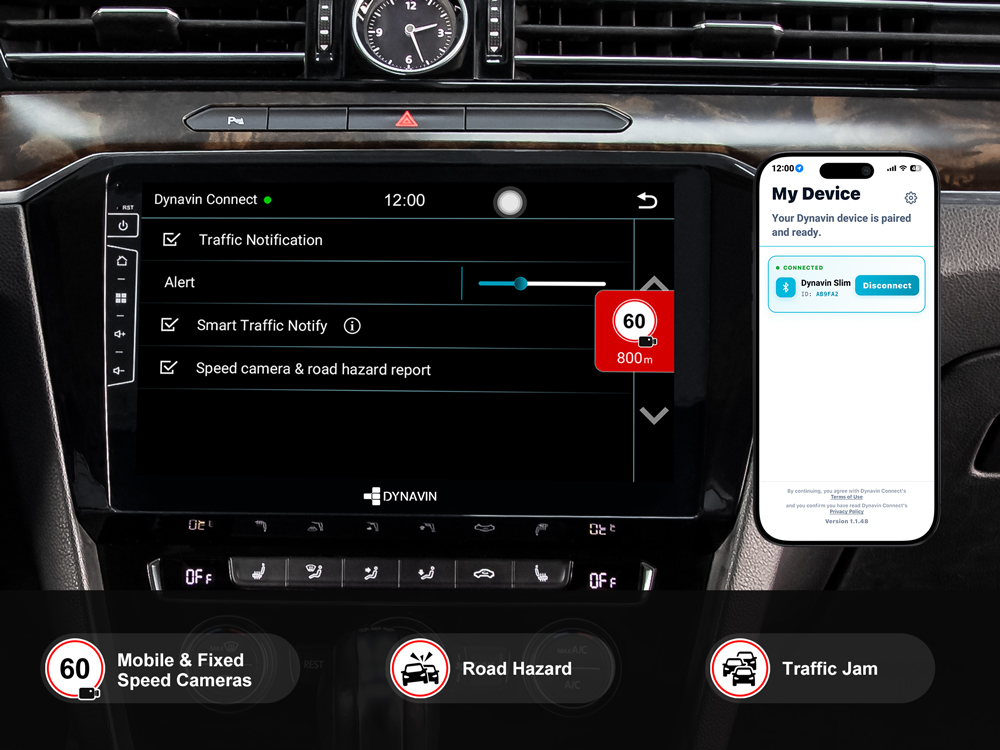
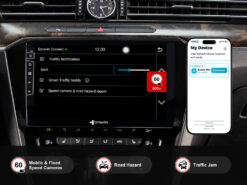
Works with the Dynavin Connect app on your phone, which integrates Blitzer.de PRO real-time alerts for mobile and fixed speed cameras, road hazards, and traffic jams onto the radio display. After the 31-day free trial, only a one-time payment is required for permanent activation.
Delivery time: 5–9 days.
Dynavin DS-55 10.1″ – Volkswagen Passat B8 / Volkswagen Arteon
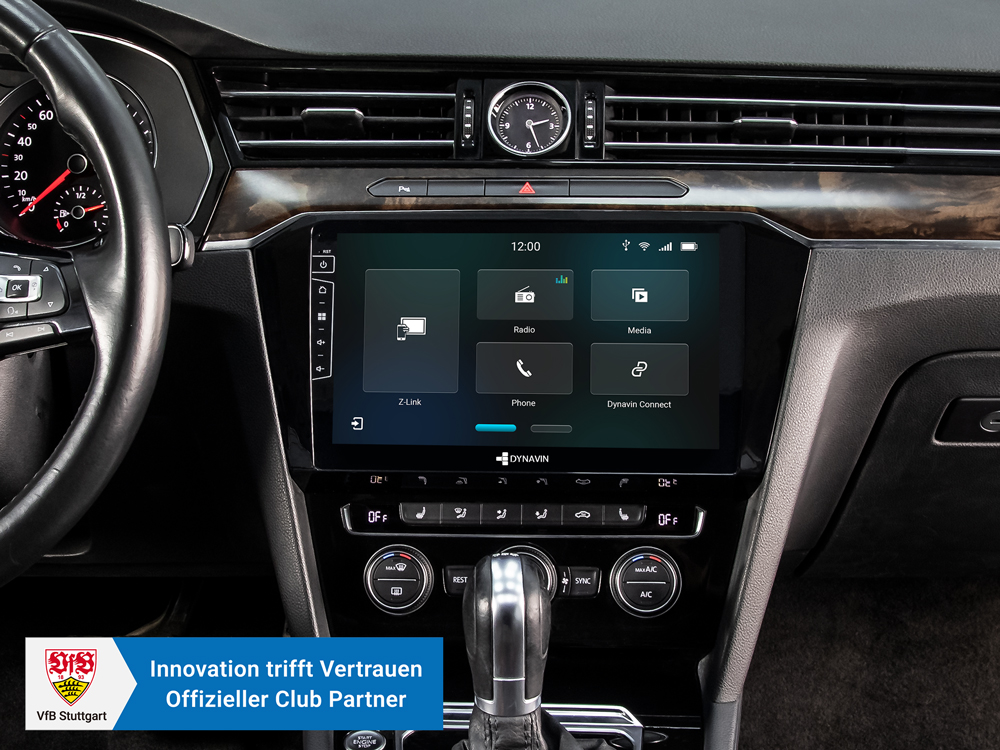
Developed in Germany, Dynavin combines vehicle-specific installation, integration with original controls and extensive sound adjustment. It is designed as a high-quality aftermarket upgrade; retained factory functions depend on the vehicle and the connections described below.
DS / Slim runs on Linux. Apple CarPlay and Android Auto are included, but Google Play apps cannot be installed on the radio. Phone apps are used through CarPlay or Android Auto. DS-DAB is an optional extra; the round D10 auxiliary display is not included with DS.
Vehicle fitment and installation
Before ordering, compare the original radio shape, connectors and vehicle equipment. Model name and year alone are not sufficient; specific requirements are listed below.
| Years | Make | Model | Condition |
|---|---|---|---|
| 2014–2020 | Volkswagen | Passat B8 | — |
| from 2017 | Volkswagen | Arteon | — |
Key features
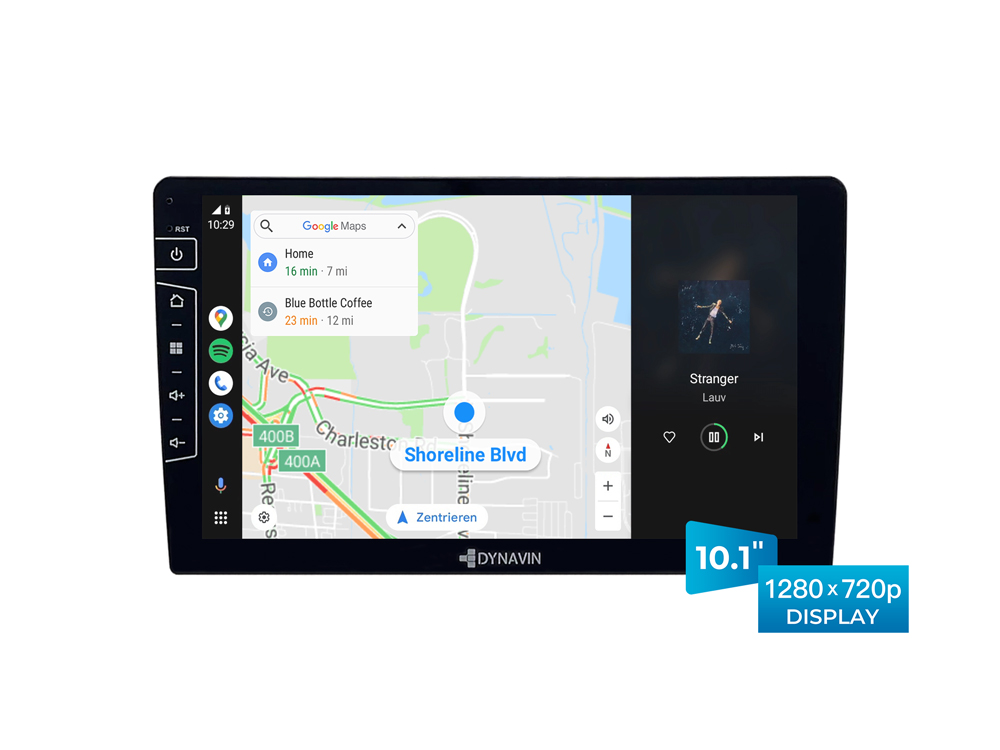
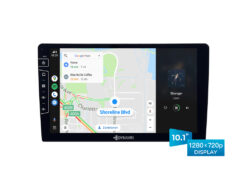
- Premium 10.1″/16:9 LCD capacitive touchscreen display (1280 x720 resolution).
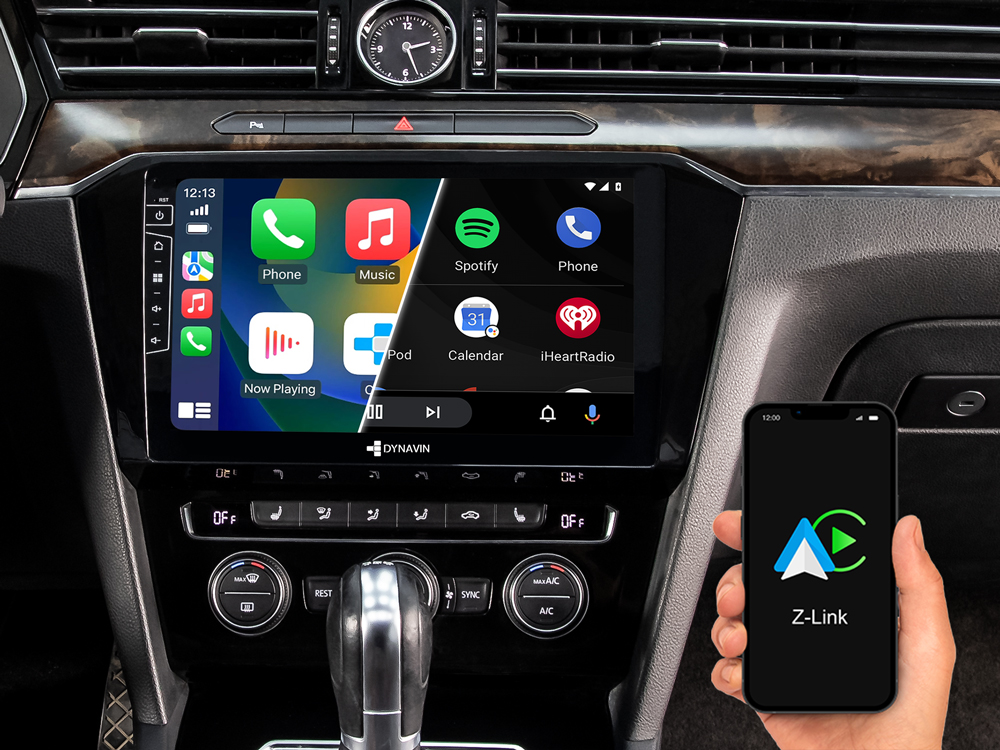
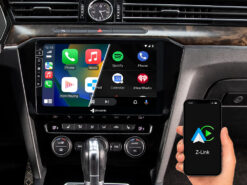
- Apple CarPlay and Android Auto* are built in as standard and work both wired and wirelessly. Wireless screen mirroring is also available.
- Works with the Dynavin Connect app on your phone, which integrates Blitzer.de PRO real-time alerts for mobile and fixed speed cameras, road hazards, and traffic jams onto the radio display. After the 31-day free trial, only a one-time payment is required for permanent activation.
- CANBUS solution integration (for steering wheel controls, vehicle settings, vehicle information, parking sensor and air con information).
- BT for audio streaming and hands-free phone calls via any smartphone (Android, Apple, etc.). External comptact dual digital microphone included.
- FM RDS tuner with DSP noise masking. Optional DS-DAB tuner enables DAB+ and automatic switching between DAB and FM (Seamless Blending).
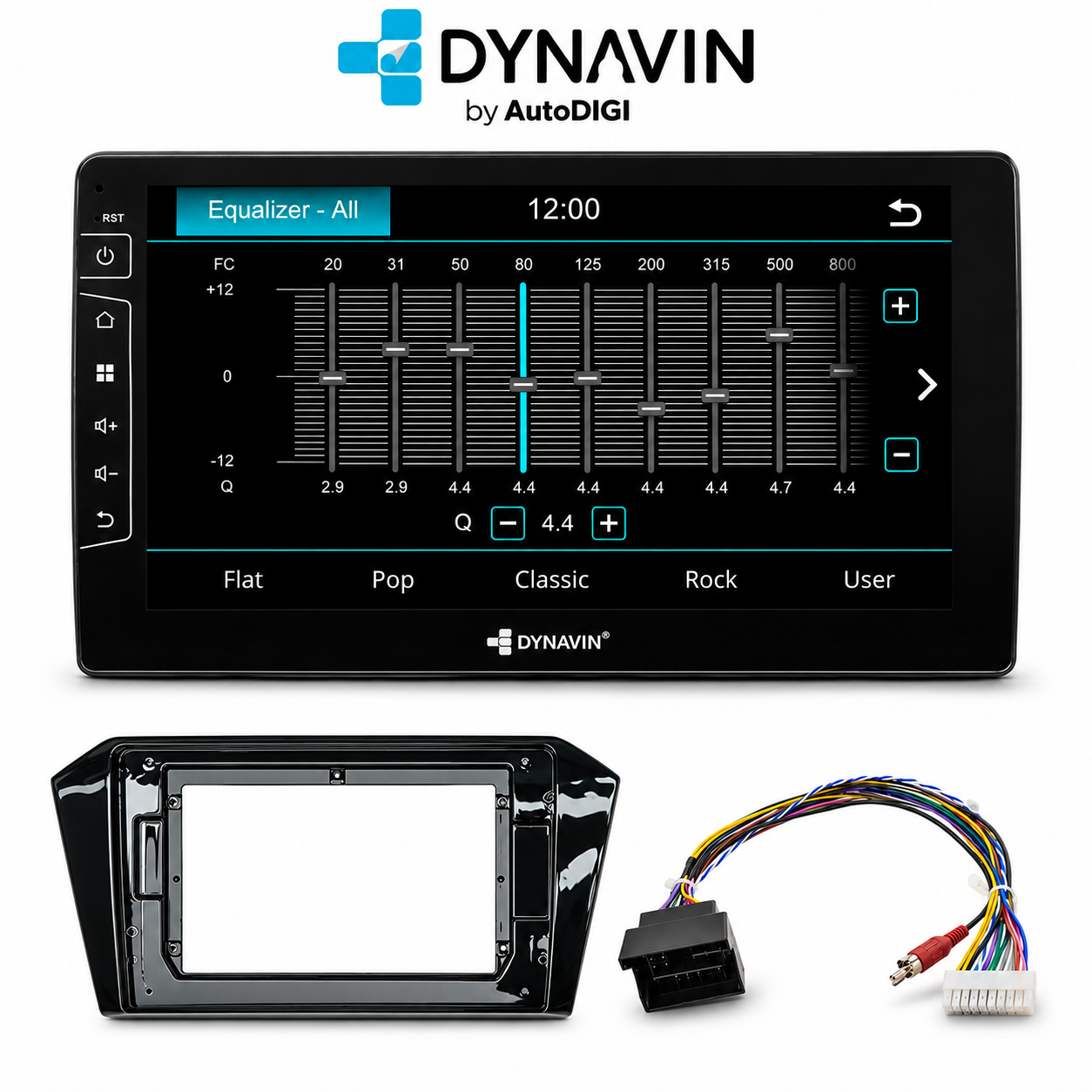
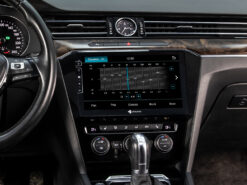
- Integrated sound DSP processor with 16-band EQ and time correction, plus vehicle-specific sound profiles professionally tuned to your exact car model. No manual calibration needed — just connect it and hear the difference. Supports VW Dynaudio Sound System by using D8-MO150-V.
- Multimedia player by USB connectivity.
- Reverse camera ready: Compatible with factory reverse camera and aftermarket reverse camera.
- Supports VW lane keeping assistance and traffic sign recognition feature by using D8-CANMIB-H.
- * The Wireless Android Auto feature included in Z-Link does not guarantee compatibility with all Android phones.
Dynavin Connect
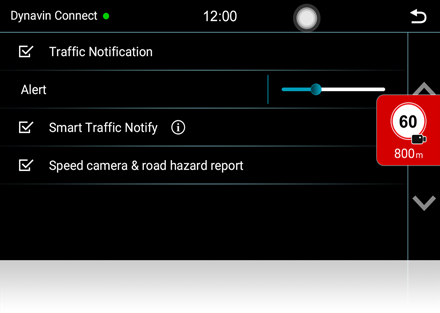
Dynavin Connect delivers real-time traffic and safety alerts to your Dynavin radio. After downloading the app and pairing it with your smartphone, you receive live Blitzer.de PRO notifications for mobile and fixed speed cameras, road hazards, and traffic jams from one of Europe’s largest driver-powered networks. The app also monitors your daily routes and sends alerts shortly after you start the car, giving you time to plan an alternative route. You can report hazards directly from the radio while driving. After the 31-day free trial, only a one-time payment is required for permanent activation.
Steering Wheel Control
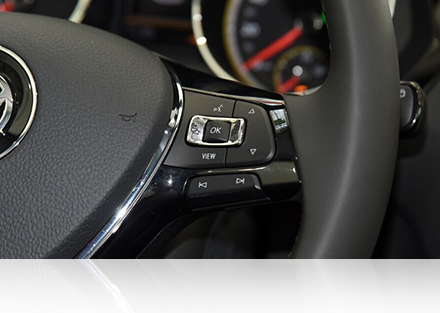
The Dynavin system communicates perfectly with the multifunction steering wheel of your vehicle. This upgrade to Dynavin still allows you to control volume, telephone, track search (forwards / backwards) and other functions as usual. When a smartphone is connected to the system, you can even activate voice control such as “Siri” or “Google Assistant” via the steering wheel.
Multifunction Display (MFA)
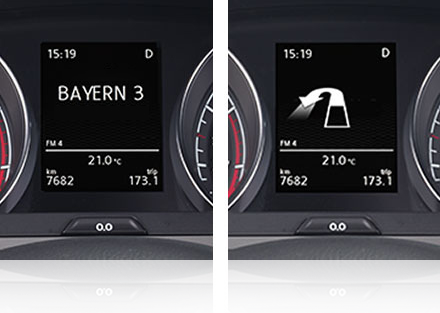
The multi-function display (MFA) in the instrument cluster is connected to the Dynavin system and can display radio station names, ID3 tag from Media player, caller information, navigation information and compass (The navigation menu of the MFD need to be activated if you don’t have it in your car).
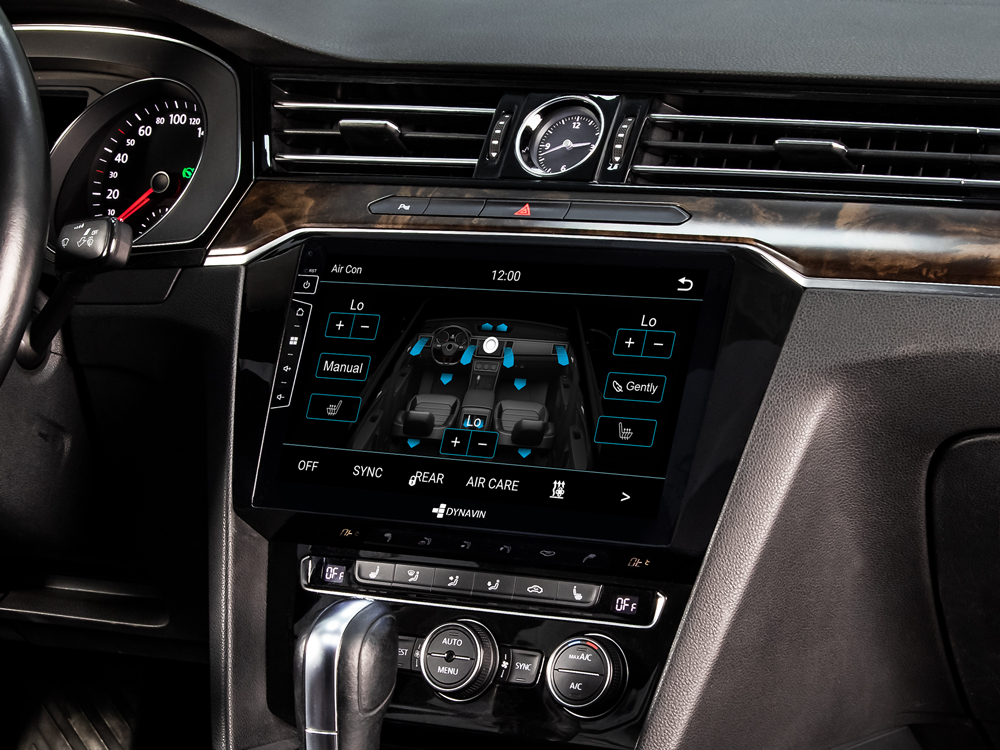
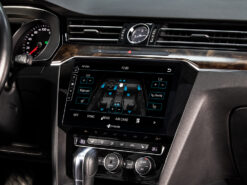
Air Condition Display
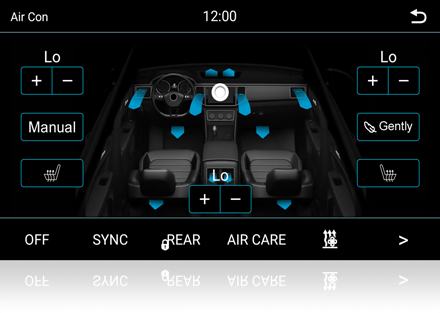
Dynavin gives you visual feedback for the driver and passenger temperature, air conditioning status, heated seat status, selected air vents and more. This screen appears after pressing the MENU button on HVAC panel. You can also adjust the interior temperature and fan direction through the air conditioning menu in cars that support this feature (Only for vehicle with “Air Care Climatronic” air conditioning system).
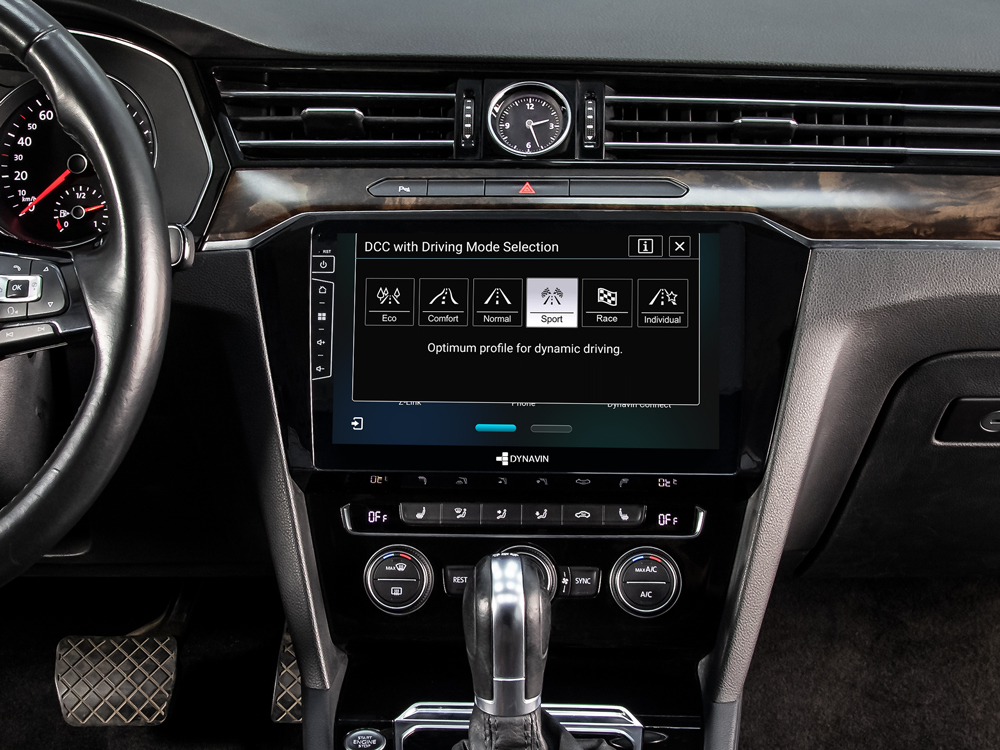
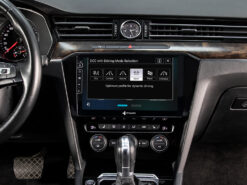
Drive Mode Selection
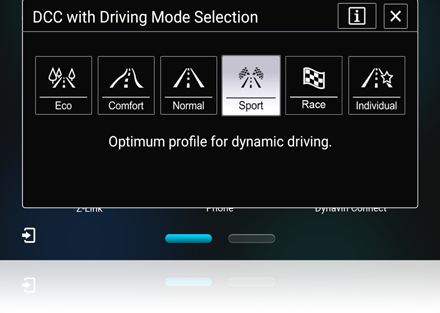
The driving mode selection function is retained in Dynavin. It allows you to select different driving modes via the touchscreen.
Vehicle Settings (Car Menu)
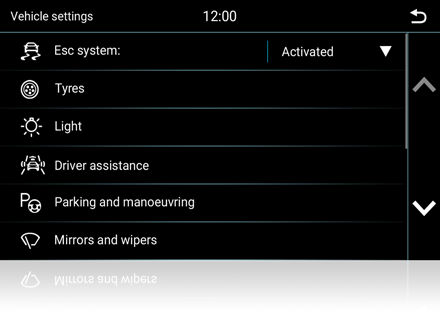
Dynavin for your vehicle retains all of the vehicle settings menu in the factory display. So all of the electronic devices set by the factory display can still be set by the Dynavin.
Vehicle Information
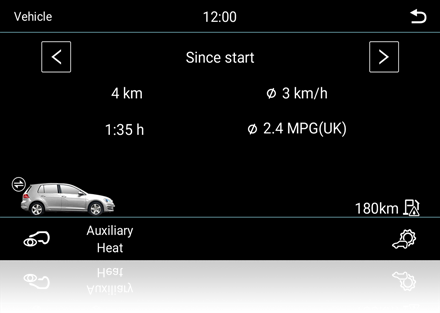
The driving information is shown on the Dynavin display. So you are still able to see the fuel consumption, distance to empty, outside temperature and more.
Parking Sensors-Optical Parking System (OPS)
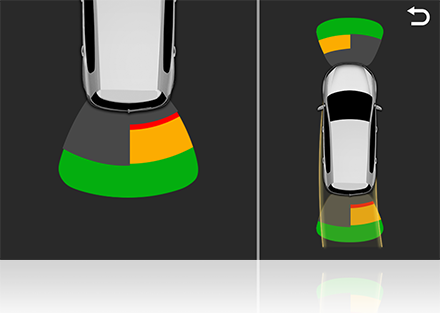
If your vehicle is equipped with factory parking sensors, this feature will also remain when you upgrade to the Dynavin system. Visual Parking Assist works with Acoustic Parking Assist to support the driver and detect obstacles in front of or behind the vehicle. In the detection field, the position of the obstacle is shown graphically on the display of the sound or media system. In addition to the front and rear sensors, the 4-side sensors are also shown on the display.
Reverse Camera
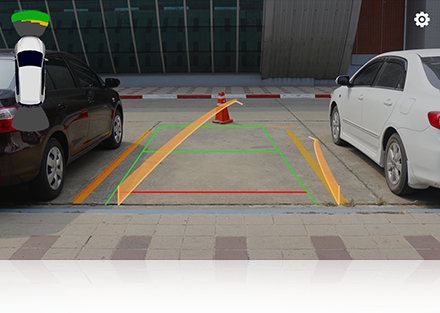
If your vehicle is equipped with the original reverse camera, this will also be supported by the Dynavin. You can see the dynamic guide lines in the reverse camera mode.
Slim Digital In-car Microphone
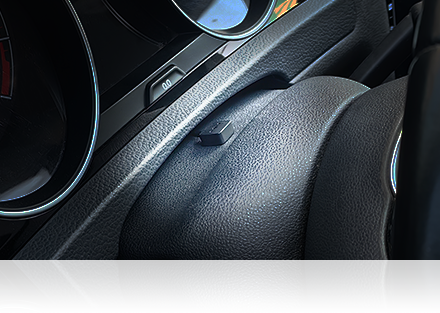
Dynavin digital microphone dual digital microphone technology, with the unique noise reduction algorithm that ensures excellent call voice quality. It is compact and becomes virtually invisible after installation, making it incredibly easy for all types of vehicles.
Compatible with Dynaudio Sound System
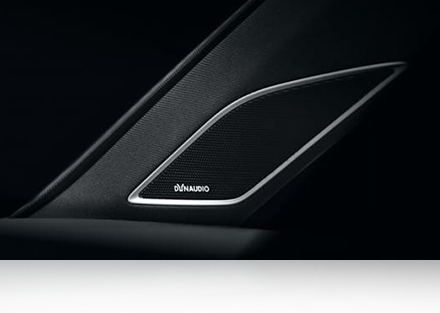
The Dynavin are compatible with the original VW Dynaudio sound system. All you need is the D8-MO150-V interface that allows connection of your Dynavin unit to the Dynaudio amplifier.
Compatible with VW E-call(SOS) System
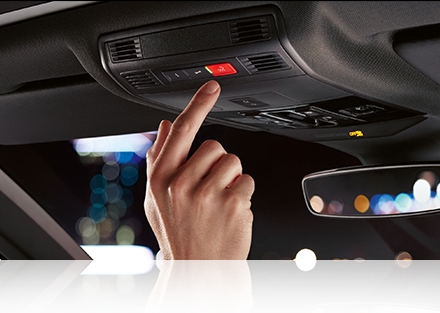
The Dynavin are compatible with the VW E-call (SOS) System. So you will not have the E-call Warning message on the instrument display and you will not lose this important feature of your vehicle.
Compatible with VW Traffic Sign Recognition and Lane Assist System
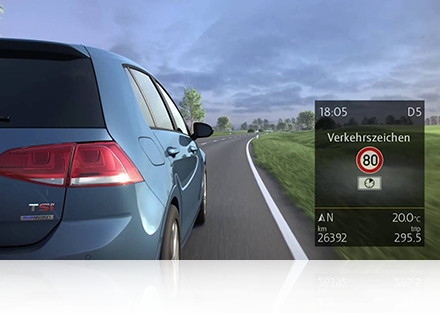
VW Traffic Sign Recognition and Lane Assist System are very important driving assistant features in VW vehicles. All you need is the D8-CANMIB-H that allows you to retain these features after the Dynavin unit is installed.
Apple CarPlay included as standard
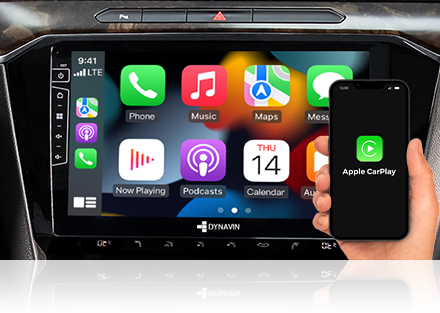
With Apple CarPlay, iPhone users have an incredibly intuitive solution on board to make calls, use maps, listen to music and use messages with just a word or the touch of a button. You can enjoy Spotify, Internet radio or podcasts while still fully concentrating on the traffic. On the Dynavin Slim, Apple CarPlay and wireless Apple CarPlay are included as standard.
Android Auto included as standard
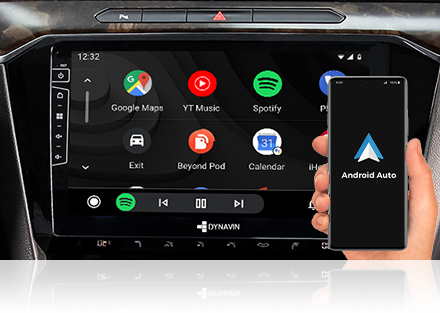
Android Auto is a mobile app made by Google that connects your Android phone to your car’s touchscreen display allowing you to use your Android phone while driving without having to pick it up. With Android Auto, Android users have an incredibly intuitive solution to make calls, use maps, listen to music and use messages with just a word or the touch of a button. On the Dynavin Slim, Android Auto and wireless Android Auto* are included as standard.
* The Wireless Android Auto feature included in Z-Link does not guarantee compatibility with all Android phones.
Optional DAB+ Tuner
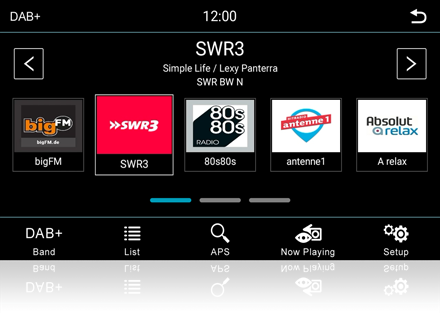
DAB/DAB+ is available as an optional feature with the DS-DAB tuner and offers exceptionally clear, detailed sound. For uninterrupted reception, the tuner provides DAB+ to DAB+ and FM to DAB+ Service Following, SLS, Radio VIS and other useful information. The windscreen-mounted DAB antenna is included in the optional DS-DAB package. Use the DVN27AA156 adapter to connect the original VW DAB antenna to the Dynavin DAB+ connector.
* The reception quality of the DAB antenna can vary depending on the vehicle and other installed electronic devices. For optimal reception quality, you should install a suitable DAB antenna or use the vehicle’s original DAB antenna.
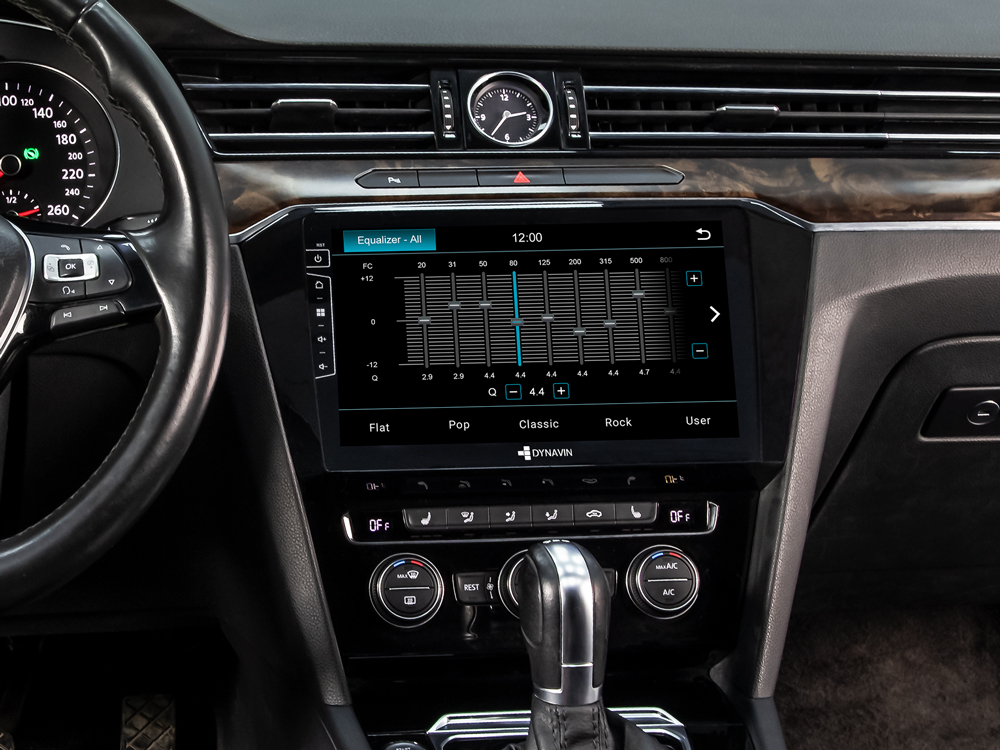
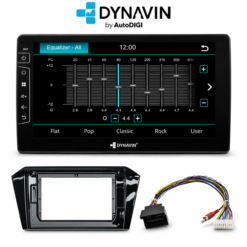
Equalizer Presets
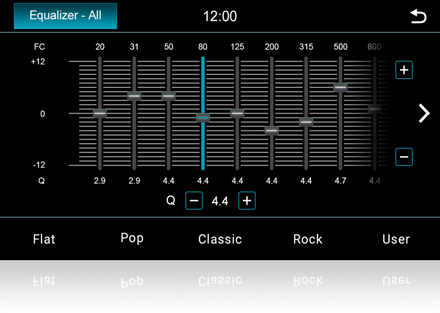
The Dynavin offers extensive sound adjustment options to get the best out of your vehicle sound system and to adjust the sound to your taste and preferences.
Fader and Balance
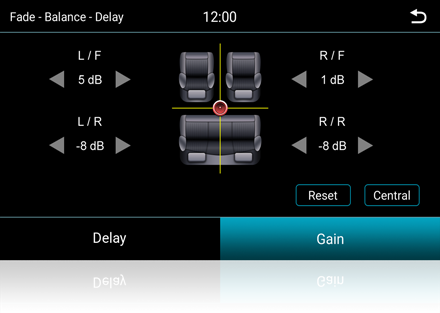
You can simply use the touchscreen to drag the crosshair to the desired location on the car interior image to make fader balance and time correction adjustments.
Source Setting
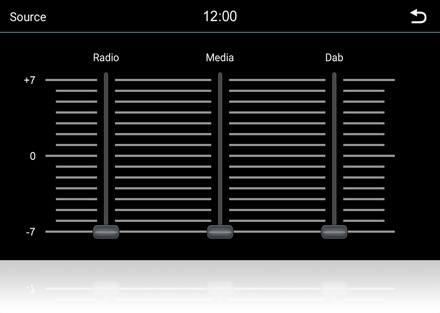
The source menu allows to you set the gain in different modes. So you won’t feel the volume is changing while you are switching between the different modes.
Vehicle-specific sound tuning
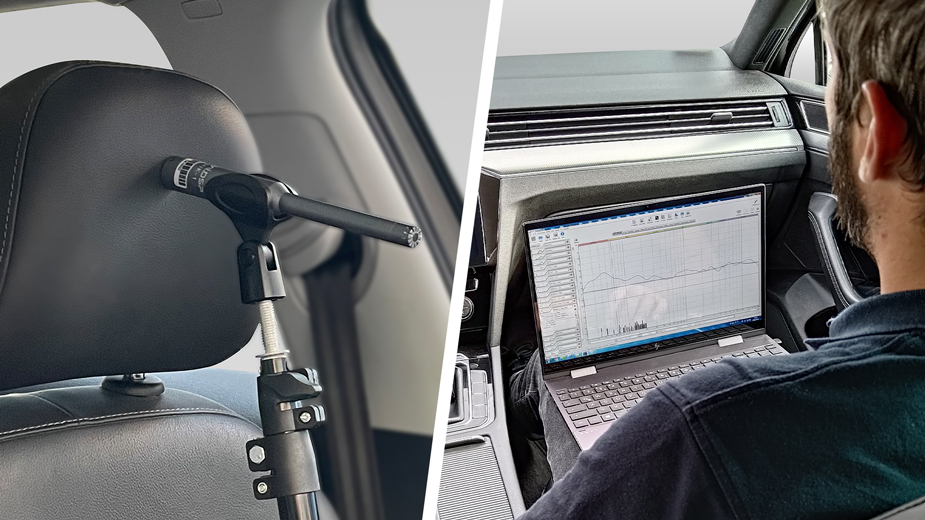
Every car sounds different: reflections from the windows and roof, absorption by the seats and interior, and varying distances from the speakers to the ear all affect the sound — and the car speakers themselves never behave in exactly the same way.
That is why our team measures each vehicle in person. Using highly sensitive microphones and professional measurement software, the equalizer, time correction and crossovers are tuned directly in the car. For most models, this work has already been done — the result is a vehicle-specific sound profile that brings your factory sound as close as possible to a live concert, with no manual calibration required.
Technical specifications
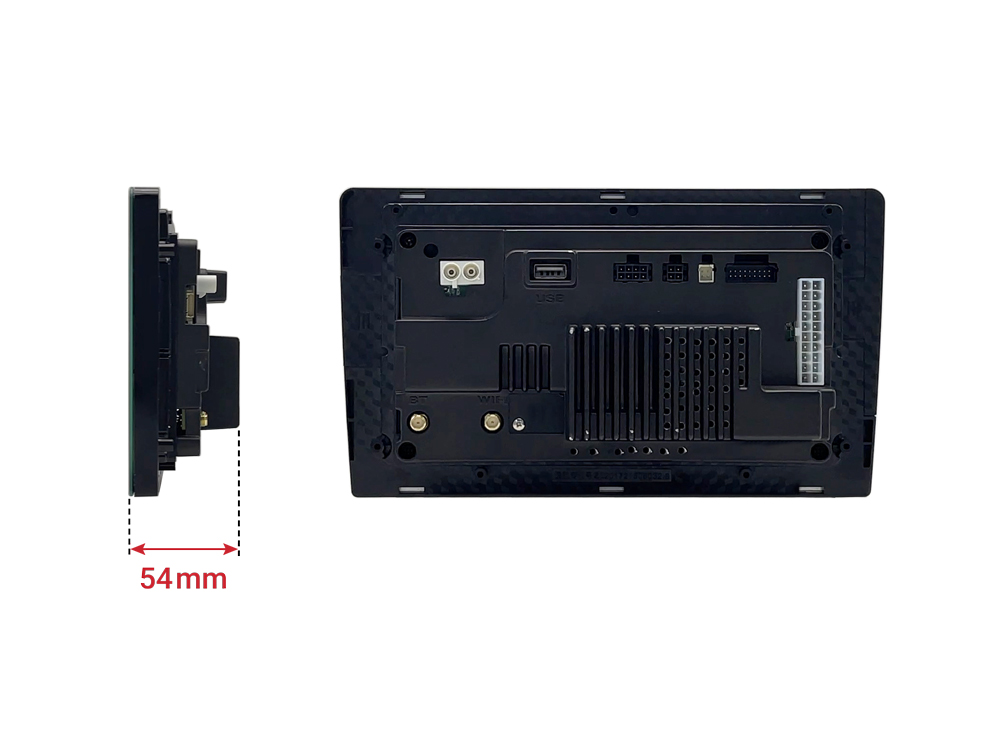
- 5 PreOuts (Front / Rear / Subwoofer)
- CANBUS Integration
- Menu Language: English / German / French / Spanish / Portuguese / Dutch / Italian / Polish / Danish / Czech / Finnish
- Supports AHD / NTSC / PAL camera inputs
- Camera Guideline Adjustment
- Rear-view Camera Display Automatic / Fast Boot-up
- 16-Band EQ
- Auto Dimmer
- Firmware Updatable
- Engine Start-Stop unaffected
- Display: 10.1-inch
- Resolution 1280 x 720 pixels (RGB)
- Capacitive touch screen
- Anti-reflection display
- Working system: TFT Active Matrix
- Active area: 222.72 (H) x 125.28 (V) mm
- Apple CarPlay and Android Auto* are built in – usable both wired and wireless
- Wireless screen mirroring is also available
- * The Wireless Android Auto feature included in Z-Link does not guarantee compatibility with all Android phones.
- FM frequency range: 87.5 – 108.0 MHz
- AM frequency range: 530 – 1710 KHZ
- FM Utility Sensitivity: 5-6 db
- FM Stop Sensitivity: 22 db
- AM stop sensitivity: 21 db
- With left and right stereo channels
- Signal to noise ratio: 56 db
- RDS functions: AF, TA, broadcast text
- Automatic station tracking function
- High Cut high frequency attenuation function
- Support for changing FM/AM memory station pictures
- Optional radio antenna power on/off
- DAB/DAB+ via optional DS-DAB tuner
- DAB + to DAB + Service Compatible
- Seamless Blending (automatic switching between DAB + and FM )
- SLS (Slideshow Service)
- DLS (Dynamic Label Service)
- Radio VIS (station cover on your radio display)
- Build-in BT
- Integrated BT module
- Specification standard: 3.0sands2.1+EDR
- -95dBm sensitivity, excellent anti-interference performance
- Supports low-power scanning function
- PBAP phonebook synchronization with 1000 entries
- Hands-free function with HFP
- Music streaming: A2DP (Advanced Audio Distribution Profile) compatible
- Individual profile connection: hands-free function and music streaming
- Phonebook: Automatic phonebook transfer
- Supports dashboard display for caller alerts
- Supports saving pairing information for multiple phones
- Device name display
- Call list: dialed number / received calls / missed calls
- Speech volume setting: adjustable for incoming and outgoing calls
- Microphone gain adjustable
- Display of the GSM signal strength
- Display of the battery charge level
- Audio playback (supported formats: AAC/MP3/APE/OGG/FLAC/WAV/OPUS/AMR/TS)
- Video playback
- Memory playback progress
- Supports dashboard display of songs/composers
- Supports steering wheel to control up/down song/volume level
- Supports up to 256 GB USB storage device
- Maximum output power: 4 x 45 W
- Adjustable subwoofer level
- Equalizer Presets: Pop, Rock, Classical
- 16-band parametric equalizer
- Fader and balance
- Digital time correction
- Adjustable volume attenuation when parked
- Adjustable maximum power-on volume
- Car specific sound setup file can be downloaded with assistance from AutoDIGI
- BT audio streaming from cell phone
- Display song title/lyrics/composer/vocalist
- Steering wheel can control up/down song/volume level
- Song title/lyrics can be displayed on the dashboard
Compatible accessories
Optional accessory; choose according to vehicle equipment and the function described below.
Included in the package
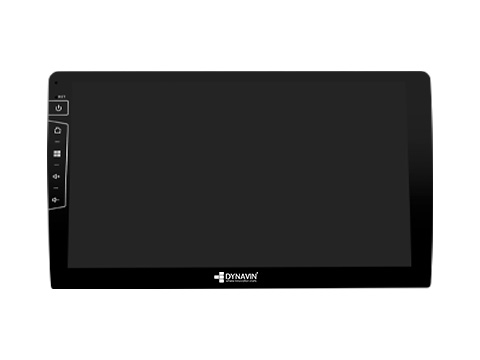
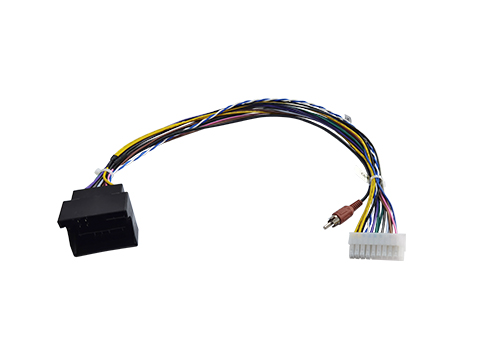
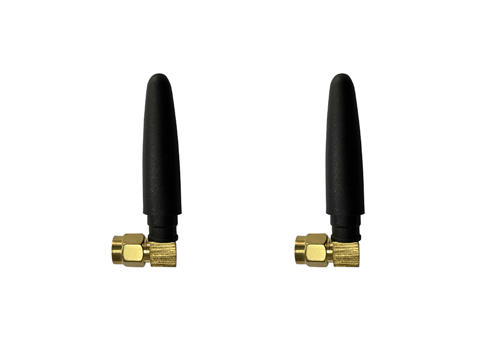
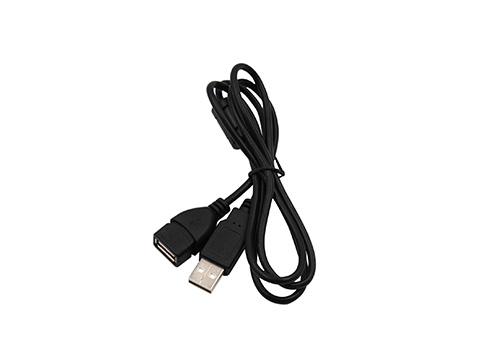
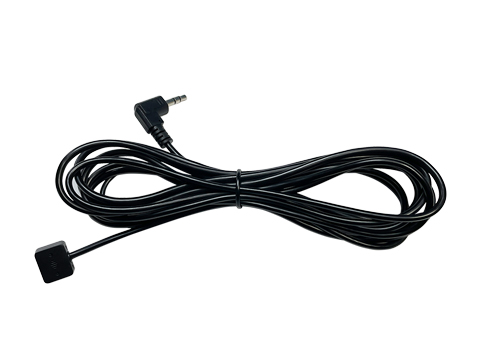
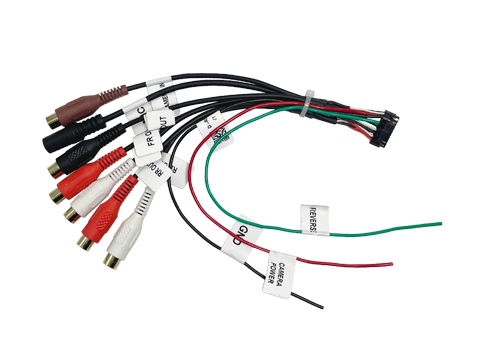
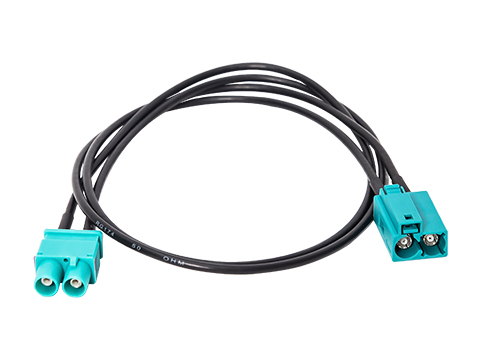
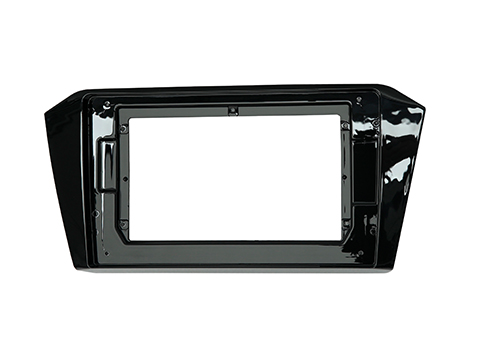
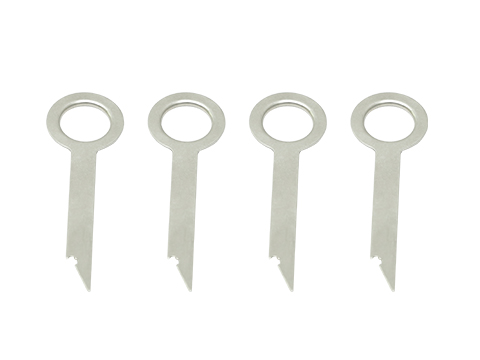
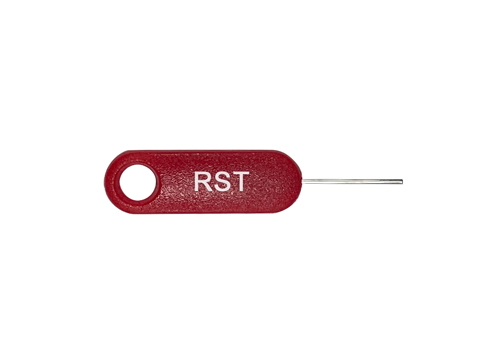
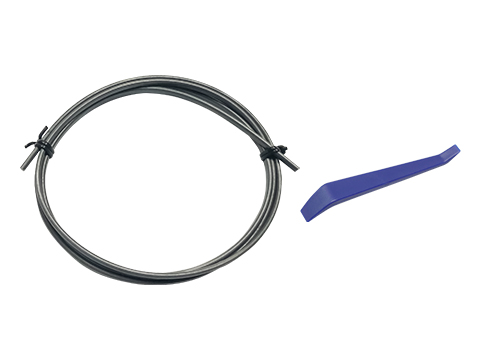
Package images show the components listed by the manufacturer. A colour-option product includes the chosen panel finish; accessories listed separately are not automatically included with the radio.
Manuals and installation documents
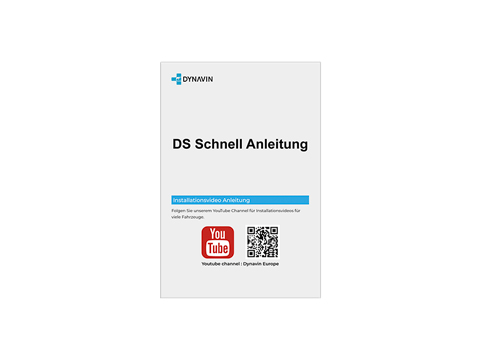
Quick installation guide (PDF)
Installation and product videos
Installation guide
Product presentation
Quick tour
D10 Premium or DS Slim?
| D10 Premium | DS Slim | |
|---|---|---|
| Platform | Android | Linux |
| Apps on the radio | Google Play | No Google Play app installation; phone apps via CarPlay/Android Auto. |
| DAB+ digital radio | Built in | Optional DS-DAB tuner |
| GPS navigation and maps | Built in | Through the phone |
Questions and answers
Will this fit my vehicle?
Volkswagen Passat B8 2014–2020; Volkswagen Arteon from 2017
Before ordering, compare the original radio shape, connectors and vehicle equipment. Model name and year alone are not sufficient; specific requirements are listed below.
Can I install Google Play apps on the radio?
DS / Slim runs on Linux. Apple CarPlay and Android Auto are included, but Google Play apps cannot be installed on the radio. Phone apps are used through CarPlay or Android Auto. DS-DAB is an optional extra; the round D10 auxiliary display is not included with DS.
Do CarPlay and Android Auto work wirelessly?
Support Apple Carplay, Wireless Carplay, Android Auto, Wireless Android Auto* and SmartPhone Mirroring.
* The Wireless Android Auto feature included in Z-Link does not guarantee compatibility with all Android phones.
Will my original reversing camera still work?
If your vehicle is equipped with the original reverse camera, this will also be supported by the Dynavin. You can see the dynamic guide lines in the reverse camera mode.
Retaining a VW factory camera requires distinguishing RGB from RCA video. An older-platform RGB camera uses a DVN-VCR-A adapter. Replacing an MQB radio normally does not require that adapter: the corresponding new harness provides the original-camera connection. A vehicle without a factory camera requires a suitable aftermarket camera. Compatibility depends on the camera and wiring, not the year alone.
Which additional adapters are required?
Optional accessory; choose according to vehicle equipment and the function described below.
Is DAB+ included?
DAB/DAB+ is available as an optional feature with the DS-DAB tuner and offers exceptionally clear, detailed sound. For uninterrupted reception, the tuner provides DAB+ to DAB+ and FM to DAB+ Service Following, SLS, Radio VIS and other useful information. The windscreen-mounted DAB antenna is included in the optional DS-DAB package. Use the DVN27AA156 adapter to connect the original VW DAB antenna to the Dynavin DAB+ connector.
* The reception quality of the DAB antenna can vary depending on the vehicle and other installed electronic devices. For optimal reception quality, you should install a suitable DAB antenna or use the vehicle’s original DAB antenna.
Does Dynavin Connect require paid activation?
Dynavin Connect delivers real-time traffic and safety alerts to your Dynavin radio. After downloading the app and pairing it with your smartphone, you receive live Blitzer.de PRO notifications for mobile and fixed speed cameras, road hazards, and traffic jams from one of Europe’s largest driver-powered networks. The app also monitors your daily routes and sends alerts shortly after you start the car, giving you time to plan an alternative route. You can report hazards directly from the radio while driving. After the 31-day free trial, only a one-time payment is required for permanent activation.
Where can I find the installation manual and videos?
Manuals and installation documents: PDF. Installation and product videos.